Trixx Configurator
ArchiveSapphire TriXX unlock tool
This comes from a time in my life when I was very into overclocking computer hardware. Here's the info from the release page..
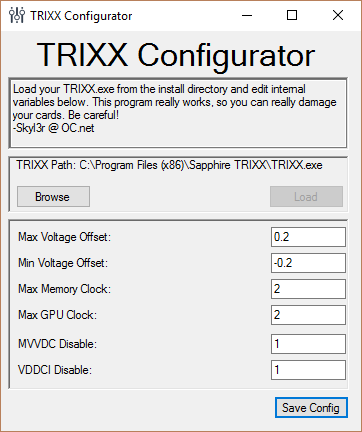
TriXX Configurator
Intro
I've built a tool to help those of you who have the cooling to go beyond what TriXX will allow. I can only confirm this to work for Fiji. This is a software implementation of the method Meretrelle describes in this reddit thread here: https://www.reddit.com/r/Amd/comments/3tljrf/sapphire_trixx_how_to_remove_voltage_limit_0075mv/
If you don't wish to use my software, you can follow that guide to achieve the same results.
Features
This software will allow you to adjust several things in the TriXX UI including:
- Max VDDC Voltage Offset
- Min VDDC Voltage Offset
- Max Memory clock
- Max GPU clock
Word of Warning
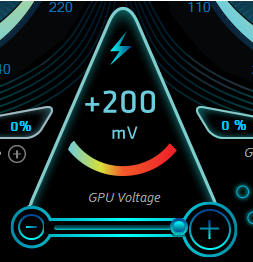
Playing with the max values unlocks a world of new possibilities. This unlocks all of the values that Sapphire tried to keep away from you so you don't damage your card! It doesn't take much to make a very expensive paperweight! Be smart! Watch your temperatures! Don't even download this if you don't understand why you are downloading it!
I will not be responsible for any damage you cause using this tool!
A Quick guide
The Tool is simple and will guide you through the steps. All the same, here is a guide that will get you going with it.
Step 1.
After downloading the tool, make sure TriXX is closed and launch it TRIXX Configurator.
Note on Administrator Privileges It will require administrator rights, because it is trying to access your Program Files to get to the TRIXX installation. If you don't want to grant this, follow the tutorial I linked to in the intro. I have made the program open source and the release will always be the latest compiled version.
Step 2.
TRIXX Configurator will look in your Program Files (X86) directory for the TriXX installation. If you have installed it elsewhere, you will need to click the Browse button and direct TRIXX Configurator to the installation.
Once you've found it, click Load
Step 3.
After clicking load, the fields should all become populated with whatever values are currently in your TRIXX.exe. You can change whatever you like here.
I recommend not changing MVVDC Disable and VDDCI Disable yet.
My configuration looks like this:
Step 4.
Once you are happy with your changes, click Save Config located at the bottom of the file and close TRIXX Configurator.
Step 5.
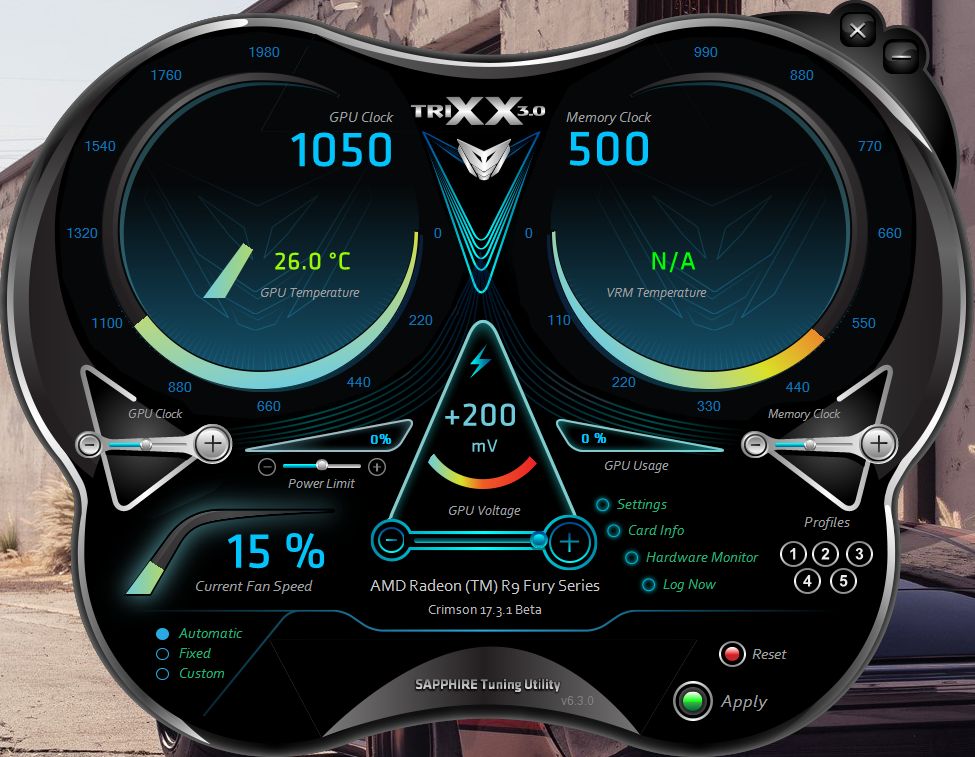
You can now launch TRIXX again and verify that your changes were applied.
Program Specifications
For the inevitable question "Where are you getting these values", I've included the offsets below:
- VDDCOffsetMax - 0x2F86E5
- VDDCOffsetMin - 0x2F86CF
- MemoryClockSliderRangeMax - 0x002f8521
- GPUClockSliderRangeMax - 0x002f8502
- MVDDCDisable - 0x002f8490
- VDDCIDisable - 0x002f84a0
Oh, and yes. It really works.